
Published by Nexcey Editorial Team · Researched & Fact-Checked · Editorial Standards.
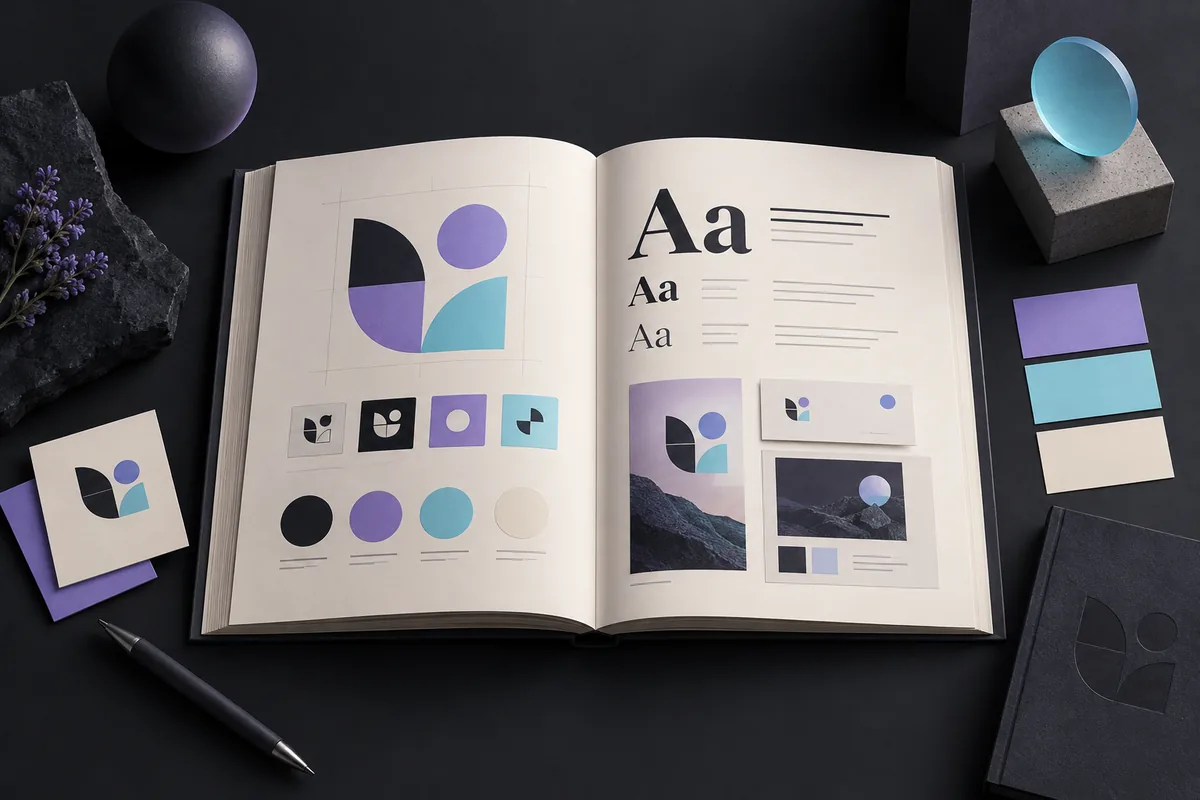
Pick colours and fonts that can do the daily work. A palette has to support reading, navigation, documents and small-screen interactions—not just look good on a mood board. A typeface has to handle the words, numbers and languages your business actually uses. Test those situations before committing to a style.
Start with strategic words
Choose a few attributes the design should express and define them. Calm might mean generous space and restrained contrast; energetic might mean bolder scale and accents. Avoid relying on universal claims about color psychology.
Study category conventions
Review competitors and adjacent brands to understand familiar signals and crowded choices. Decide where familiarity helps customers and where distinction is important. Document your hex codes, contrast ratios, and font weights inside our brand style guide template.
Build color roles, not a swatch collection
Define a primary brand color, supporting colors, neutrals, text, backgrounds, accents, and semantic colors for success, warning, and error. Most interfaces need disciplined neutrals more than many bright colors.
Test contrast and state changes
Check text and interface contrast for normal, hover, focus, disabled, selected, and error states. Do not communicate status by color alone.
Choose a typeface for the actual content
Test headings, paragraphs, prices, numerals, forms, tables, and long words. Verify language coverage, available weights, punctuation, readability, and screen rendering.
Pair fonts by role and contrast
Many brands need only one flexible family. If using two, assign clear roles and choose enough contrast to feel intentional without creating conflict. Avoid adding a third family without a functional reason. Apply your typography and color choices to conversion-focused interfaces using our guide on small-business web design.
Plan reliable fallbacks
Web fonts may fail or load late. Define fallback stacks with similar proportions, limit files and weights, and consider variable fonts when they improve delivery without complicating support.
Confirm licenses
Check whether fonts are licensed for websites, apps, documents, social assets, and redistribution. Record sources and terms so future teams do not guess.
Prototype real applications
Test a homepage, mobile screen, proposal, social post, email, chart, and one-color use. Adjust the system before approving isolated color codes or alphabet specimens.
Document the decisions
Record color values, combinations, typography hierarchy, fallbacks, spacing, alignment, and examples. Explain why exceptions are limited.
Practical checklist
- Brand attributes defined
- Category conventions reviewed
- Functional color roles assigned
- Text and component contrast tested
- Type tested with real content
- Font roles and fallbacks clear
- Licenses recorded
- Web performance considered
- Real touchpoints prototyped
- Rules added to the style guide
Frequently asked questions
How many brand colors should I use?
Use the smallest palette that covers identity and functional needs. A primary color, a limited set of accents, neutrals, and semantic colors is often enough.
Do I need two brand fonts?
No. One versatile family with a clear hierarchy can be more consistent and faster than a forced pairing.
Can any brand color be used for text?
No. The specific foreground and background combination must provide sufficient contrast at the actual size and weight.
Are free fonts safe for commercial use?
Some are, but licenses vary. Verify the source, permitted uses, modification rules, and redistribution terms.
Take the next step
Create a practical visual identity with Nexcey.
Sources & further reading
Test awkward content before approving typography
Try a long service name, a price with several digits, a paragraph containing links and a form error. If you publish in more than one language, test the actual scripts rather than assuming the font covers them. Pay attention to punctuation and similar-looking characters in identifiers.
For colour, assign roles before adding swatches. Decide what is used for reading, navigation, emphasis and status. A warning needs a label or symbol as well as a colour. Keep a record of approved text/background combinations, because a colour that works for a large heading may not work for small supporting text.

WCAG 2.2’s minimum text-contrast criterion generally requires 4.5:1 for ordinary text and 3:1 for large text, subject to its definitions and exceptions. The linked W3C explanation describes the exact scope.
Test a palette in real reading conditions
For the illustrative palette below, use white or light text on dark surfaces for long reading. Cyan can highlight links, but every combination still needs a contrast check. The exact rule depends on text size and weight; brand approval alone does not establish accessibility.
| Role | Candidate |
|---|---|
| Page background | #050505 |
| Main text | #FFFFFF |
| Brand accent | #5B3FD9 |
| Link accent | #00DFD8 |
| Validation | Check text contrast, focus visibility and non-colour status cues |
Continue with a related guide
- When Should You Rebrand? Warning Signs and a Practical Checklist
- How to Plan a Business Website: The Complete Guide from Idea to Launch
Reference checks
Relevant official documentation consulted for this revision: