
Published by Nexcey Editorial Team · Researched & Fact-Checked · Editorial Standards.
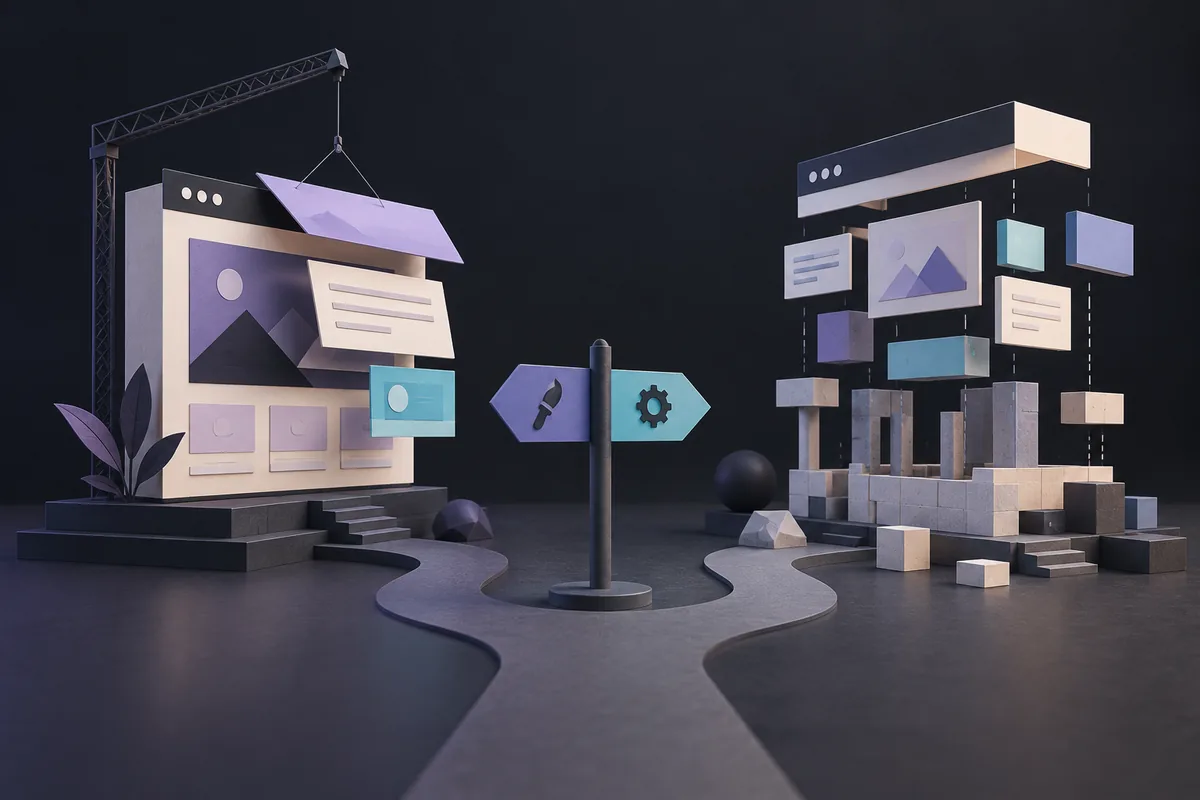
You may not need to replace the whole website. A tired-looking site can have a perfectly usable foundation. A modern-looking site can be difficult to maintain underneath. Decide whether you need a redesign or a rebuild by looking at the source of the problem, rather than assuming a fresh appearance requires a new platform.
What counts as a redesign?
A redesign typically changes information architecture, page layouts, visual identity, content hierarchy, navigation, components, and conversion paths. It may keep the existing CMS, hosting, database, and core integrations.
- Best when the platform remains suitable
- Useful when usability, positioning, or brand presentation is the primary issue
- Can reduce technical change and migration risk
- Still requires responsive, accessibility, and performance validation
What counts as a rebuild?
A rebuild recreates the website on a new or substantially revised technical foundation. It may involve a new CMS, theme architecture, codebase, hosting environment, data model, or integration approach. Base your replatforming decision on real customer friction points using our website UX audit checklist.
- Best when the current system blocks important goals
- Useful when security, performance, reliability, or editing is structurally poor
- May simplify accumulated plugins and technical debt
- Requires careful content, URL, data, and analytics migration
Eight questions that reveal the right option
1. Does the current platform support the next three years?
List planned content types, integrations, languages, transactions, permissions, and workflows. If routine needs require fragile workarounds, rebuilding may be more responsible than extending the system.
2. Can the team update content safely?
A suitable CMS should let trained editors handle normal changes without breaking layouts. If every update needs a developer—or editors avoid the system entirely—the content model and component architecture deserve scrutiny.
3. Are performance problems structural?
Large media, unused scripts, poor hosting, plugin overload, and inefficient templates can make a site slow. Some issues can be optimized; others are cheaper to remove through a cleaner build.
4. Is security maintenance viable?
Unsupported software, abandoned extensions, unclear ownership, and missing update processes are serious warning signs. A rebuild is often warranted when the existing stack cannot be maintained safely. Compare the financial trade-offs between refreshing templates and rebuilding software in our small-business website cost guide.
5. Is the content still accurate and useful?
A visual refresh cannot rescue duplicated, outdated, or poorly organized content. Conduct an inventory and decide what to keep, improve, merge, redirect, or remove.
6. Does the experience match user needs?
Review analytics, search queries, support questions, sales feedback, and usability observations. If visitors cannot find information or understand the offer, redesign work is required regardless of platform.
7. What organic-search equity must be protected?
Pages with backlinks, rankings, and conversions need an explicit migration plan. Changing URLs without redirects, removing valuable content, or blocking crawling can erase years of visibility.
8. What is the total cost of ownership?
Compare the cost of improving the current system with rebuilding and maintaining a cleaner one. Include licenses, hosting, developer support, incidents, editing time, and opportunity cost—not only project fees.
A simple decision framework
Choose a redesign when
- The CMS and codebase are supported and maintainable.
- The primary problems are messaging, navigation, visual hierarchy, or conversion.
- Required functionality already works reliably.
- Keeping the platform meaningfully reduces risk and cost.
Choose a rebuild when
- The platform is unsupported, insecure, or operationally restrictive.
- Performance problems are rooted in architecture.
- New requirements conflict with the current content model or integrations.
- Maintenance costs keep rising without durable improvement.
Combine redesign and rebuild when
- Both the customer experience and technical foundation limit growth.
- A rebrand changes content, components, and templates.
- The business is consolidating several sites or systems.
- The site is becoming a more important sales or service channel.
How to reduce redesign and migration risk
- Create a content and URL inventory.
- Record traffic, rankings, conversions, and backlinks for important pages.
- Define the new sitemap and one-to-one redirect map.
- Preserve valuable copy or improve it intentionally.
- Carry analytics and consent settings into the new implementation.
- Test forms, ecommerce, integrations, accessibility, and devices.
- Crawl the staging site and verify indexation controls.
- Monitor errors, redirects, rankings, and conversions after launch.
Do not skip discovery
A short discovery phase can prevent an unnecessary rebuild or an inadequate redesign. Audit business goals, audiences, content, analytics, SEO, accessibility, performance, technology, and operations before choosing the solution.
The output should be a prioritized diagnosis, recommended approach, launch scope, migration requirements, budget range, and roadmap. That gives stakeholders a decision they can evaluate rather than a preference disguised as strategy.
Frequently asked questions
How often should a website be redesigned?
There is no universal schedule. Redesign when evidence shows that the experience, brand, content, or system no longer supports business and user needs.
Will a redesign hurt SEO?
It can if valuable pages, links, metadata, or crawl paths are lost. A planned redesign can also improve search performance through better content and technical quality.
Is rebuilding always more expensive?
The initial project may cost more, but repairing a fragile system repeatedly can have a higher long-term cost. Compare ownership over several years.
Can we launch the project in phases?
Yes. A phased roadmap can prioritize essential templates, content, and integrations while scheduling lower-value features after launch.
Get an evidence-based recommendation
Nexcey can assess the current experience, content, technology, and growth priorities before recommending a redesign, rebuild, or phased combination. Request a website assessment from Nexcey.
Sources & further reading
Price a repair before committing to replacement
Choose a representative problem and ask what a lasting repair would involve. If slow loading comes mainly from oversized images, replacing the whole platform may be disproportionate. If routine changes require editing fragile code in several places, a rebuild may remove recurring work that a visual refresh would preserve.
Compare the options over a realistic ownership period. Include maintenance, staff time, migration and the risk of losing useful content. Do not count only the build fee. If you proceed with a rebuild, decide who owns the old-to-new URL map before anyone deletes pages. A gradual migration may suit a complex site, but each phase still needs a complete and understandable customer journey.
Decide from a small diagnostic, not the site’s age
For a fictional five-year-old service website, age alone does not justify replacement. Inventory the actual blockers and test whether they can be repaired safely. Preserve the current URLs where possible; a new design does not require a new address for every page.
| Finding | First response |
|---|---|
| Supported CMS, confusing service labels | Redesign navigation and content |
| Large images, otherwise healthy platform | Optimize media before proposing a rebuild |
| Unmaintained dependencies and brittle integrations | Assess a rebuild and migration |
| New brand plus incompatible product model | Plan both design and technical change |
Continue with a related guide
- How to Plan a Business Website: The Complete Guide from Idea to Launch
- Technical SEO for Small-Business Websites: A Beginner-Friendly Guide