
Published by Nexcey Editorial Team · Researched & Fact-Checked · Editorial Standards.
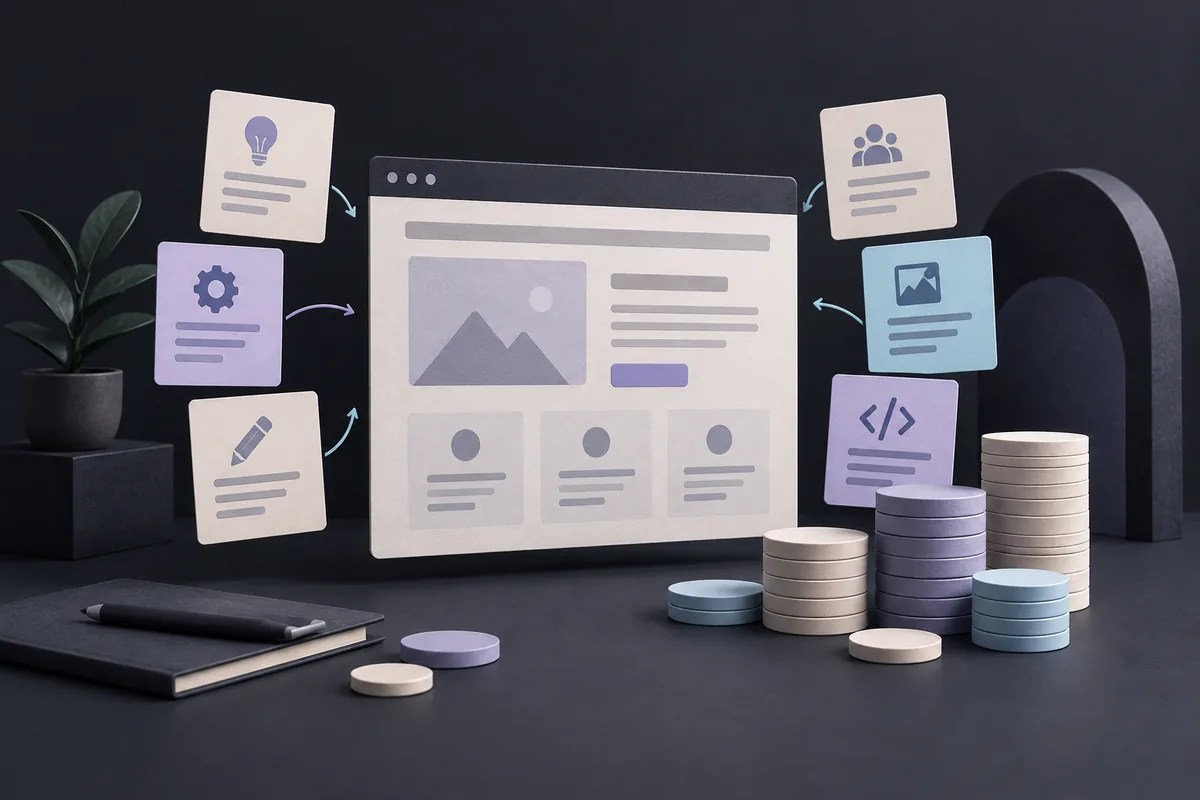
The difference becomes clearer when something goes wrong. If customers cannot understand your offer, the problem may sit in content and design. If they understand it but the booking button fails, development needs attention. Most business websites need both disciplines, with a clear handover between deciding how something should work and making it work reliably.
What web design includes
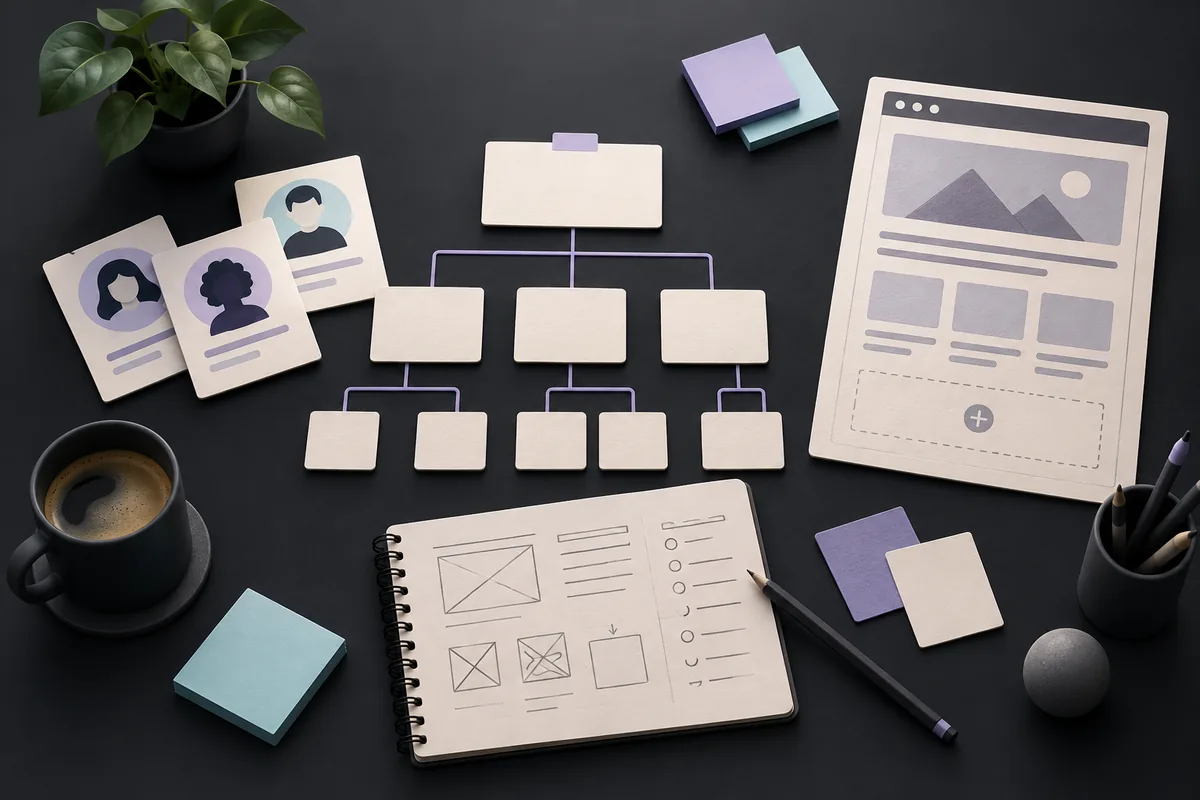
- Audience and user-journey research
- Information architecture and navigation
- Wireframes and page layouts
- Visual design and design systems
- Responsive behavior and interaction design
- Usability and accessibility decisions
- Prototypes for review and testing
Good web design is not decoration. It organizes information so visitors can understand the offer, trust the business, and complete an important task with less friction.
What web development includes
- Front-end implementation in HTML, CSS, and JavaScript
- Content-management system configuration
- Back-end logic, databases, and APIs
- Forms, ecommerce, accounts, search, and integrations
- Performance, security, testing, and deployment
- Maintenance, monitoring, and technical support
Good development preserves the intent of the design while making the site fast, robust, accessible, editable, and reliable across devices and browsers. Clarify both visual and technical requirements early by following our template on how to write a website brief.
Front-end vs back-end development
Front-end development
The front end is what visitors see and interact with. Front-end developers translate designs into responsive components, navigation, forms, animations, and browser behavior. They also manage accessibility and performance details that are not visible in a static mockup.
Back-end development
The back end handles server-side logic, data, authentication, business rules, and integrations. A simple marketing site may rely mostly on a CMS and third-party services; a platform with accounts, workflows, or custom data may require substantial back-end engineering.
Where design and development overlap
The disciplines meet throughout the project. A designer must understand technical constraints, and a developer must understand user experience. Decisions about navigation, responsive layouts, form behavior, content models, accessibility, and performance benefit from early collaboration.
A handoff-only process creates risk. When designers and developers review work together before layouts are final, they can reduce unnecessary complexity and find better solutions. A strong development foundation also ensures search engine crawlability; explore our guide to technical SEO for small businesses.
What does your business actually need?
Choose design-led support when
- The offer is hard to understand or navigate.
- The brand appears inconsistent or undifferentiated.
- Visitors reach the site but do not convert.
- The team needs a reusable design system.
Choose development-led support when
- A validated design must be implemented.
- The site needs integrations or custom functionality.
- Performance, security, or maintainability is poor.
- The current CMS blocks routine updates.
Choose an integrated team when
- You are creating a new website from strategy through launch.
- A redesign changes both the experience and technical foundation.
- The project has meaningful commercial, accessibility, or operational risk.
Most small-business website projects are strongest with integrated design and development. Even a template-based build benefits from content hierarchy, user-flow, and visual decisions before configuration begins.
Common deliverables by project stage
Discovery
Business goals, audience priorities, analytics review, content inventory, technical assessment, and measurable requirements.
Design
Sitemap, wireframes, content direction, visual concepts, components, responsive layouts, and prototypes.
Development
CMS, reusable components, integrations, analytics, technical SEO, migration, quality assurance, and deployment.
Optimization
Performance monitoring, usability improvements, conversion tests, content updates, and maintenance.
Questions to ask a provider
- Who is responsible for strategy, content, design, and development?
- Which deliverables are included, and which are client responsibilities?
- How will design decisions be validated before development?
- How are responsive behavior and accessibility specified and tested?
- What CMS, hosting, and maintenance model will be used?
- How will analytics, redirects, performance, and launch risks be handled?
Frequently asked questions
Is web design easier than web development?
They require different skills, and neither is inherently easier. Complexity depends on the problem: clarifying a difficult customer journey can be as demanding as building a complex integration.
Can one person be both designer and developer?
Yes. Many practitioners are capable across both areas, especially for focused sites. Verify depth in the skills most important to your project.
Do website builders eliminate the need for developers?
They reduce coding for common layouts and features. Complex integrations, performance issues, migrations, customization, and technical troubleshooting may still require development expertise.
Should content come before design?
Content and design should develop together, but page purpose and message hierarchy must be understood before layouts are finalized.
Bring both disciplines into one plan
Nexcey combines website strategy, design, development, brand thinking, and search foundations. Plan your website with Nexcey if you want one team accountable for the experience from idea to launch.
Sources & further reading
What a good design-to-development handover includes
A screenshot shows one moment. It does not explain a long service name, an empty search result, a failed submission or a menu on a small phone. Ask the designer and developer to agree on those states before implementation. Include actual copy, responsive priorities, component behavior and accessibility expectations.
The handover should also identify which parts an owner can edit safely. A layout that looks excellent with a six-word heading may break when someone enters a full service description. Test representative content, including awkward examples. When a compromise is needed, record whether it changes the visitor’s task, the visual presentation or the technical scope. That keeps decisions understandable to everyone involved.
Separate the design decision from the implementation
Suppose a quote form has a confusing service selector and also fails to send emails. Renaming the selector is an experience decision; fixing delivery is implementation work. One person may handle both, but the acceptance evidence should still distinguish them.
| Problem | Lead discipline | Evidence of completion |
|---|---|---|
| Visitors cannot find pricing context | Design/content | An unfamiliar visitor finds the relevant explanation |
| Form email never arrives | Development | Test submission reaches the expected destination |
| Mobile menu covers the CTA | Both | Keyboard and touch users can navigate and close it |
Continue with a related guide
- Website Redesign vs Rebuild: How to Make the Right Decision
- Technical SEO for Small-Business Websites: A Beginner-Friendly Guide