Published by Nexcey Editorial Team · Researched & Fact-Checked · Editorial Standards.
Start with the promise before generating the footage. An attractive video cannot repair an unclear offer. Decide who the ad is for, what you can truthfully demonstrate and what the viewer should do next. AI can help explore a visual direction, but the final ad still needs to represent the business and product accurately.
1. Define the campaign outcome
Choose one audience, offer, platform, conversion, budget, and measure. A video built for awareness has a different structure from a retargeting ad asking for a purchase.
2. Write an evidence-based creative brief
Document the customer problem, promise, proof, objections, tone, required facts, prohibited claims, brand rules, destination page, and call to action. Supply current source material. Choose the most capable video and audio generation platforms from our review of the best AI content tools.
3. Develop distinct angles
Create concepts around demonstration, before-and-after context, customer question, founder explanation, comparison criteria, or a specific use case. Test differences in message, not only background color.
4. Script for the placement
Lead with relevance quickly, show rather than merely claim, and make the offer understandable without sound. Keep spoken copy natural and write a clear final action.
5. Storyboard every shot
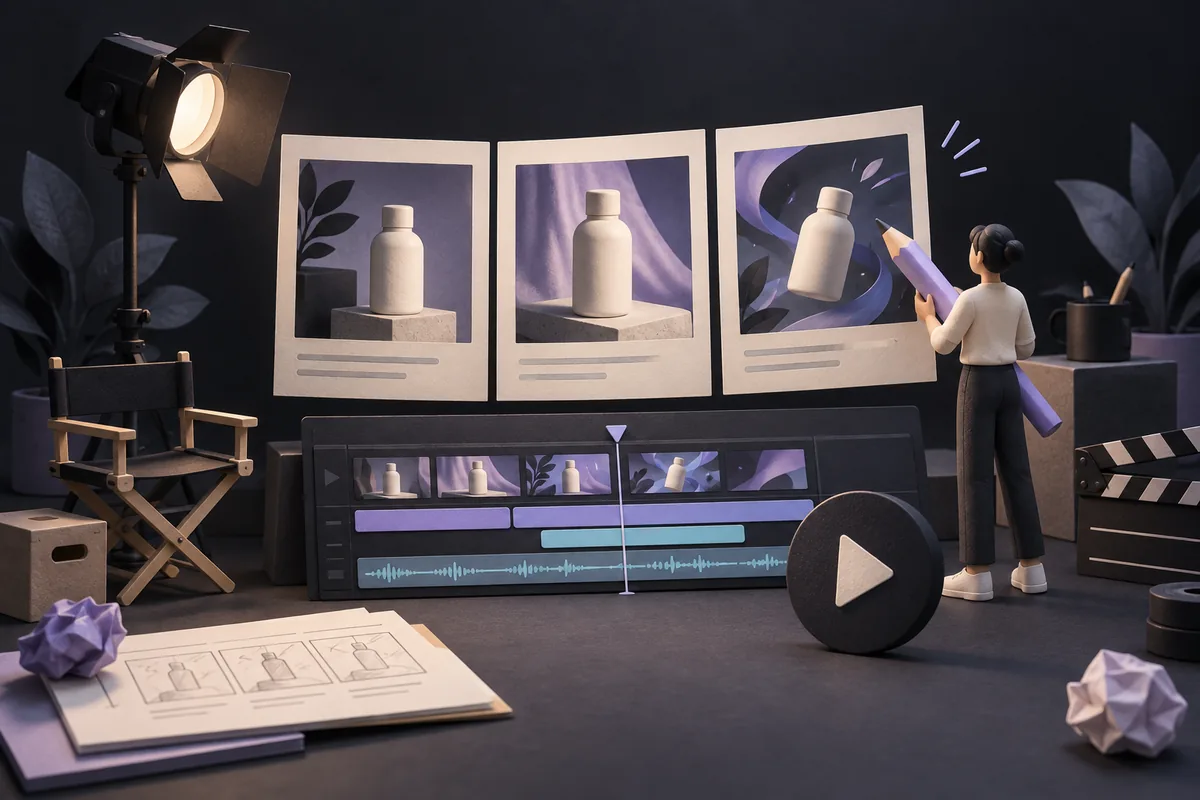
For each scene, specify visual, text, voice, duration, source, transition, and format. Storyboards expose impossible shots, missing proof, and overloaded captions before production.
6. Choose what AI should generate
Use AI where it provides control and efficiency: concept frames, cleanup, backgrounds, motion, voice drafts, captions, or variations. Use real product footage and people when authenticity and demonstration matter. Convert video ad viewers effectively by driving traffic to dedicated campaign landing pages.
7. Check rights and representation
Confirm rights to music, fonts, likenesses, voices, footage, logos, and generated assets. Obtain consent and never fabricate a customer endorsement, product capability, or real-world event.
8. Produce platform variants
Create vertical, square, and landscape versions only when placements require them. Reframe shots and reposition captions; do not simply crop essential content.
9. Quality-check the ad and landing page
Verify facts, spelling, pronunciation, captions, contrast, safe zones, audio, product details, disclosure, tracking, page speed, and message match between the ad and destination.
10. Test and learn
Launch a manageable set of variants, compare qualified results, and record the hypothesis. Retire fatigue and weak offers; carry learning into the next brief rather than endlessly generating assets.
Practical checklist
- Audience, offer, and conversion defined
- Claims linked to evidence
- Three distinct concepts selected
- Script works without sound
- Storyboard includes sources and timing
- Rights and consent confirmed
- Placement-specific variants checked
- Captions and accessibility reviewed
- Landing-page message matches
- Tracking and test hypothesis documented
Frequently asked questions
Do AI video ads need disclosure?
Requirements vary by platform, jurisdiction, and use—especially for synthetic people or voices. Check current rules and disclose when needed to prevent deception.
Can AI replace product footage?
It can support visualization, but real footage is often stronger when buyers need proof of how a physical product or service works.
How many versions should I test?
Start with a small set that represents genuinely different hypotheses. Too many tiny variations make results hard to interpret.
What makes an AI ad look generic?
Vague scripts, stock-style visuals, inconsistent products, excessive effects, and no distinctive evidence. Use real brand inputs and purposeful direction.
Take the next step
Develop your AI content workflow with Nexcey.
Sources & further reading
Keep the product consistent across shots
Generated clips may change details between frames: handles, colours, packaging or proportions. Those differences matter when viewers are deciding what they will receive. Review the sequence against the real product and replace misleading shots rather than relying on a small disclaimer.
Write the sound-off version before final production. The main offer and action should remain understandable through readable captions and visuals. Then check the landing page: the product, conditions and next step must match the ad. A mismatch creates disappointment even when the video itself looks polished.

A 15-second storyboard for a fictional mug concept
This is an illustrative creative plan, not a live campaign or evidence that a product performs as shown. Generated concept frames can help explore lighting and composition. A real sales ad must accurately represent the product being sold and use verified claims.
| Time | Visual | Purpose |
|---|---|---|
| 0–3 seconds | Actual product in a recognizable setting | Establish what is offered |
| 3–8 seconds | Real detail or use demonstration | Show a verified feature |
| 8–12 seconds | Product and concise factual offer | Resolve the main buying question |
| 12–15 seconds | Clear destination and next action | Invite a relevant visit |
Continue with a related guide
- How to Use AI for Content Creation: A Practical Small-Business Workflow
- AI-Generated Content and SEO: What Business Owners Need to Know